

FEATURES / 01–12
Encrypted messaging at the core. Calls, meetings, and multi-device sync around it. Every capability of the Bluetune client, enumerated below.
01MESSAGING
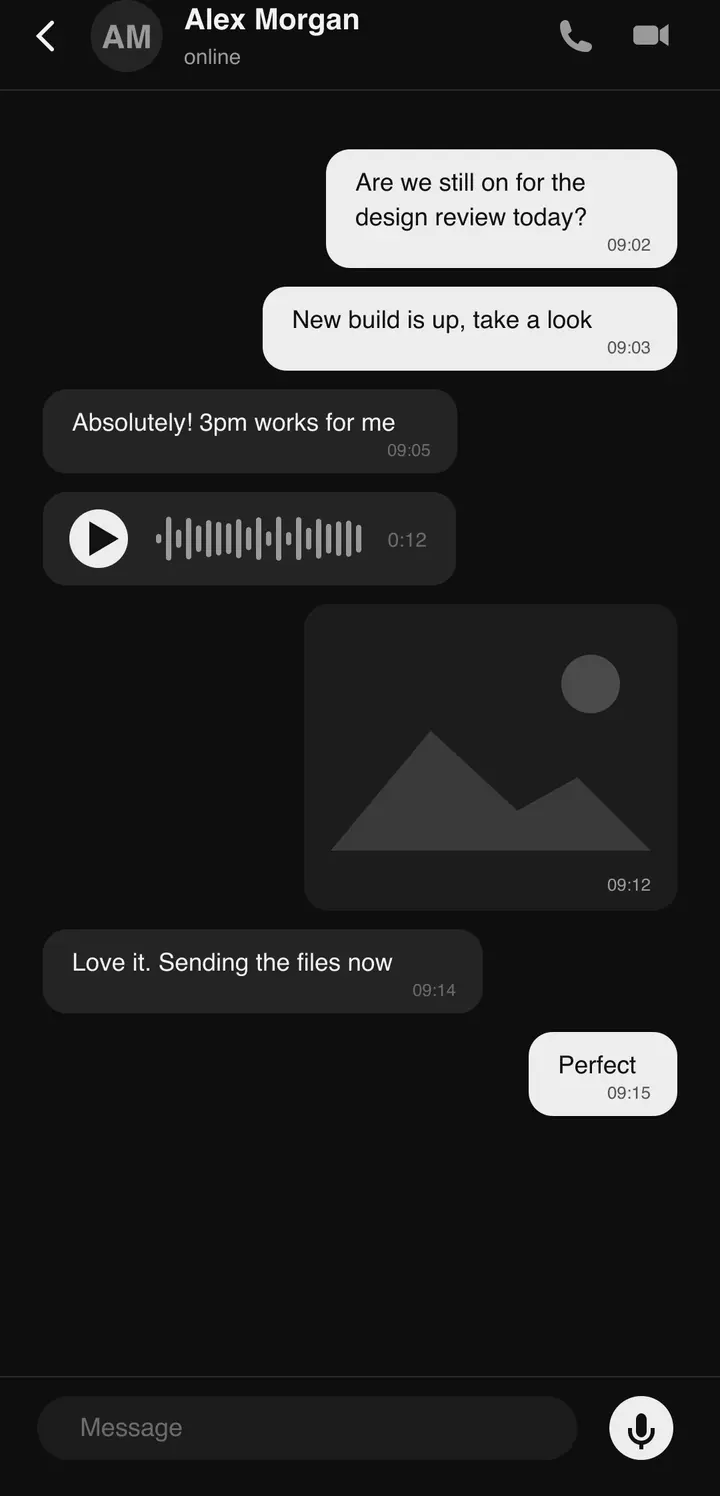
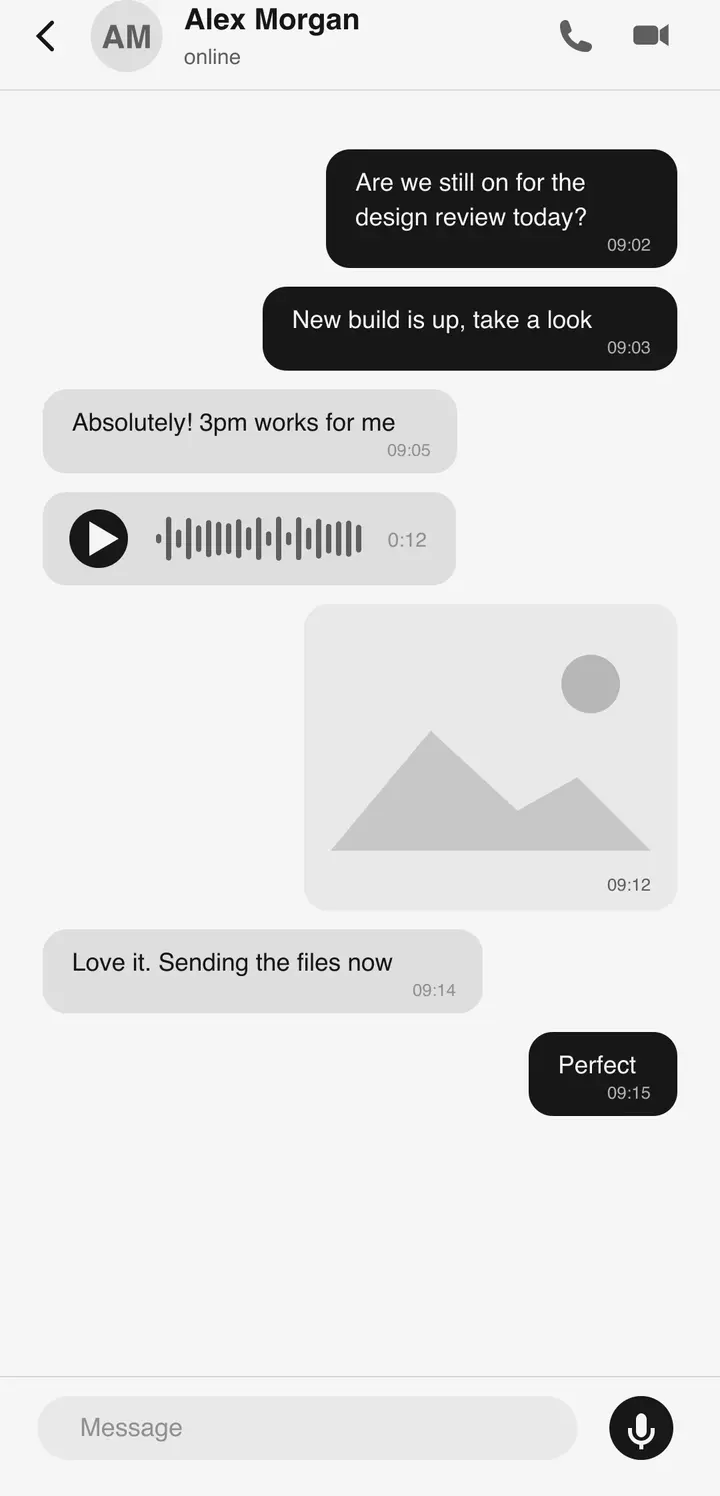
Every chat is end-to-end encrypted with the Signal Protocol. Messages are encrypted on your device and decrypted on the recipient’s — servers relay what they cannot read.
- Signal Protocol end-to-end encryption
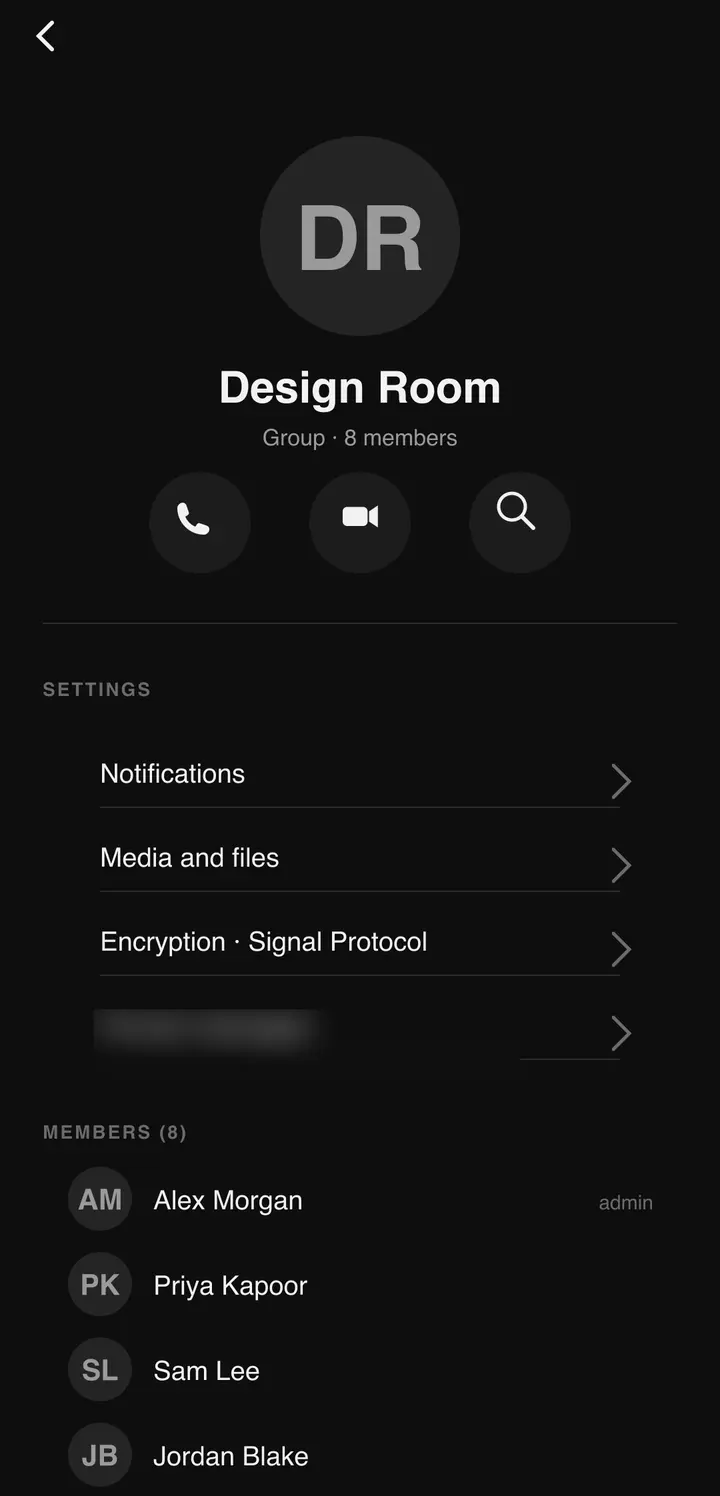
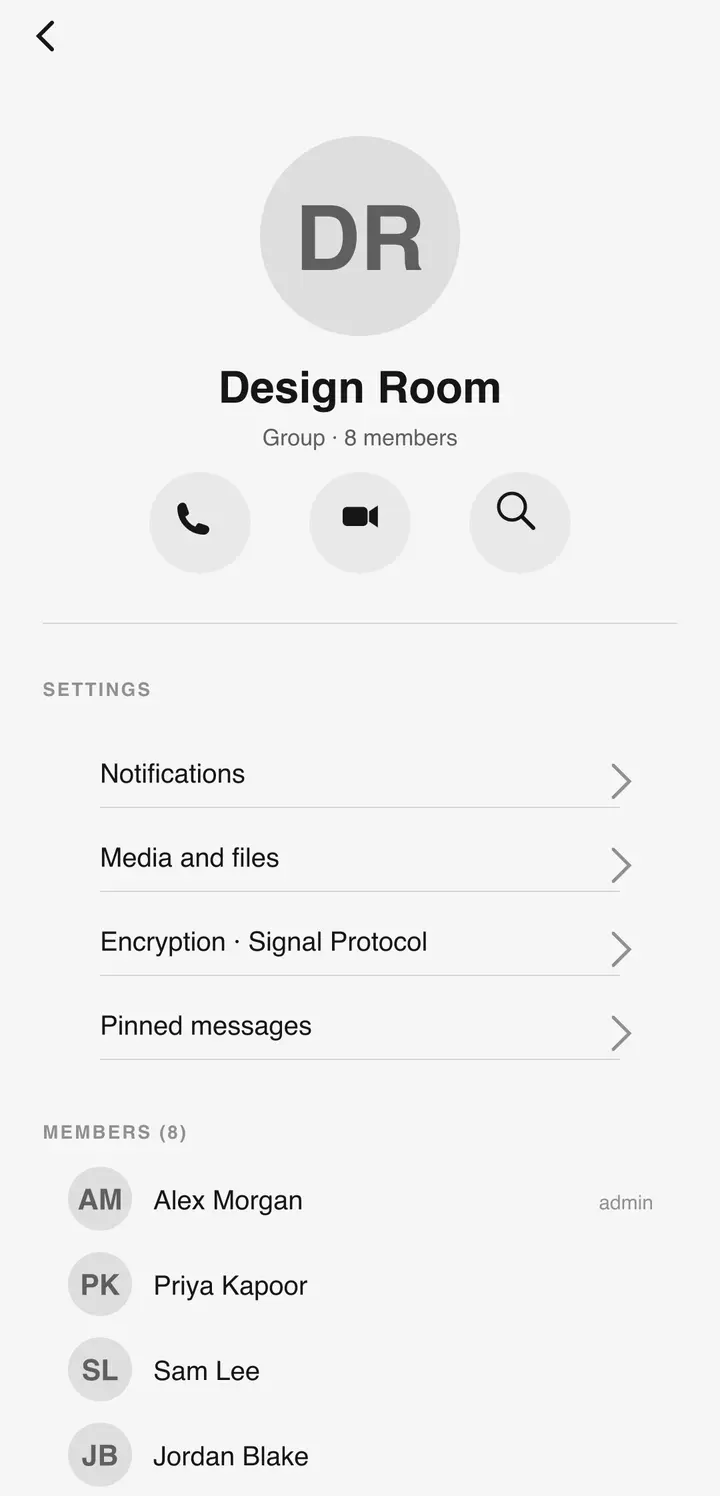
- Reactions, pinned and starred messages
- Read receipts, reply, forward
- Global search across chats
- Per-chat media gallery
02CALLS
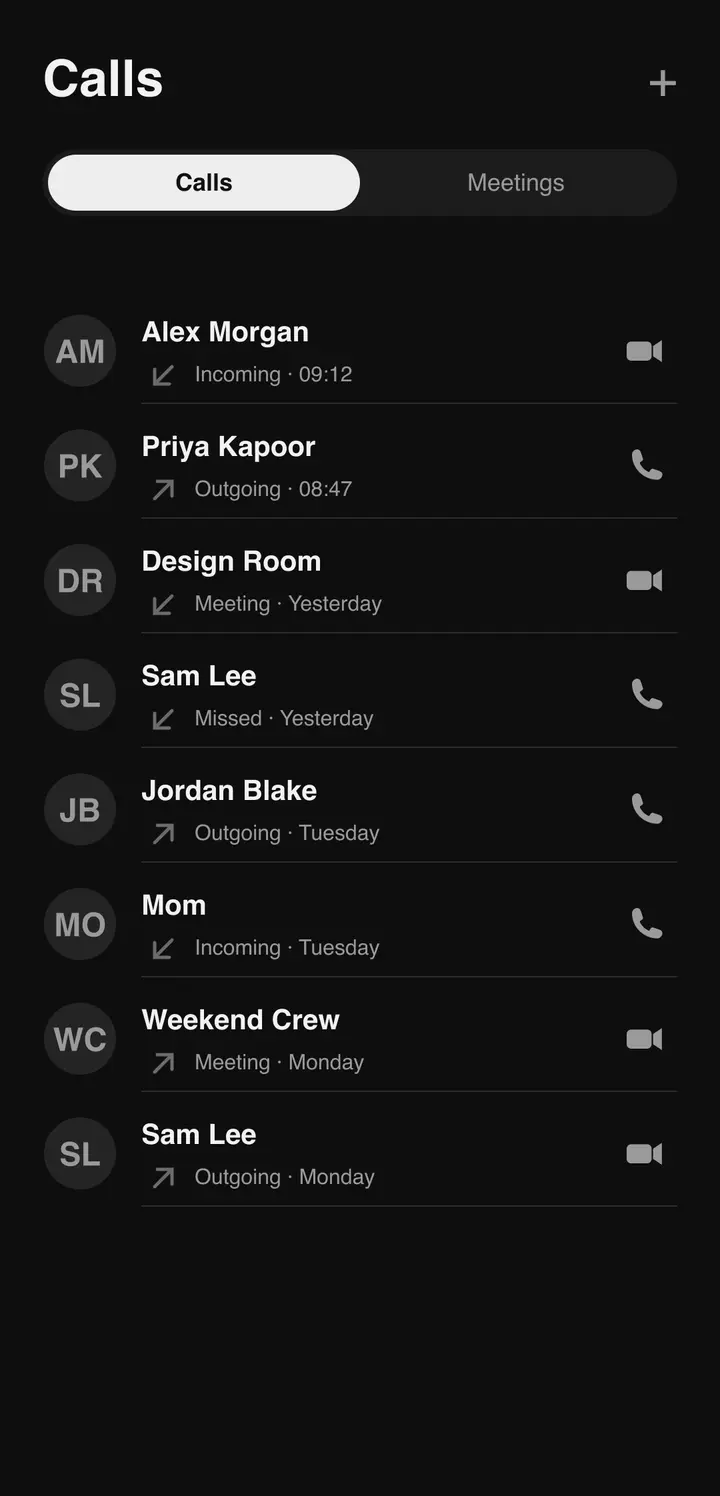
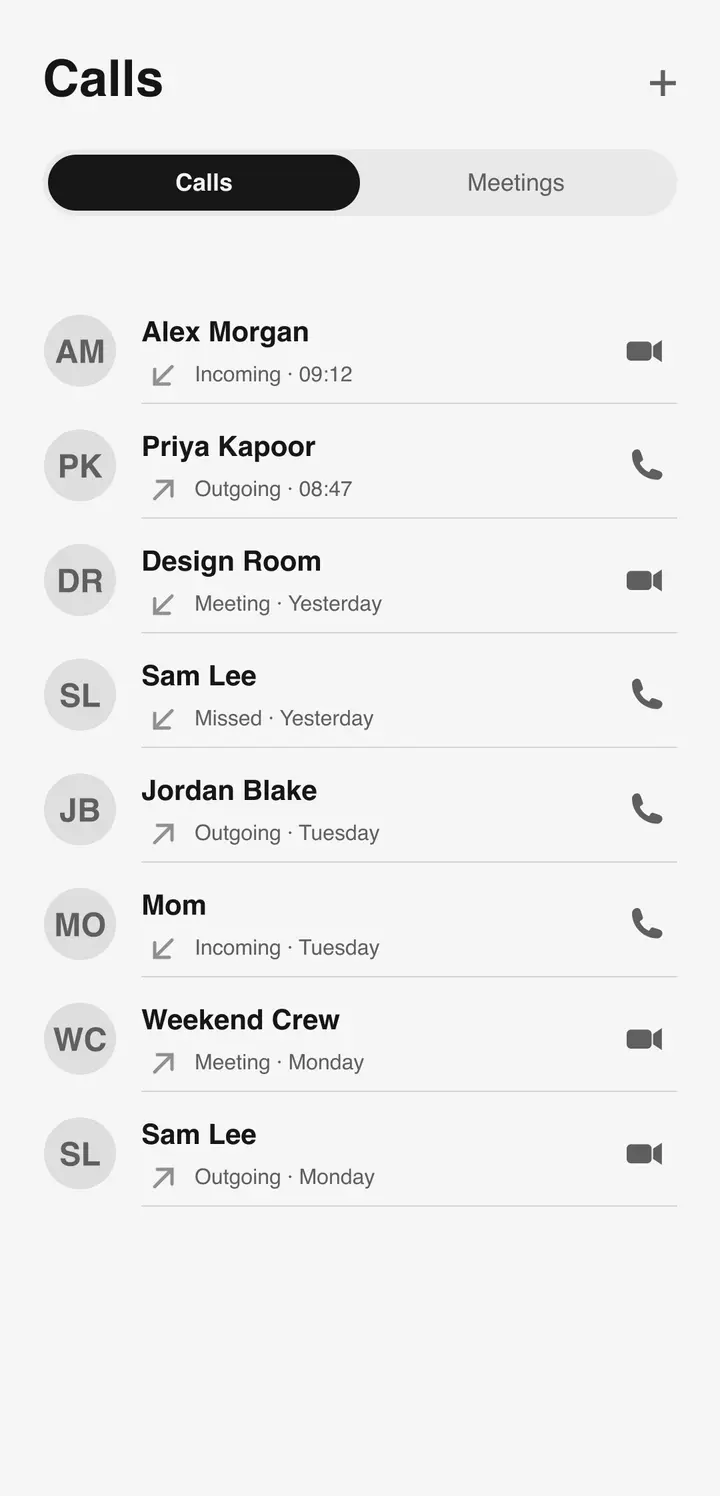
One-to-one or group. Incoming calls take the full screen even when the app is closed; a draggable mini-call keeps the call in view while you do something else.
- 1:1 and group voice & video calls
- Call hold
- Audio routing: speaker, earpiece, Bluetooth
- Picture-in-picture mini-call bubble
- Full-screen incoming calls — app open or closed
03MEET
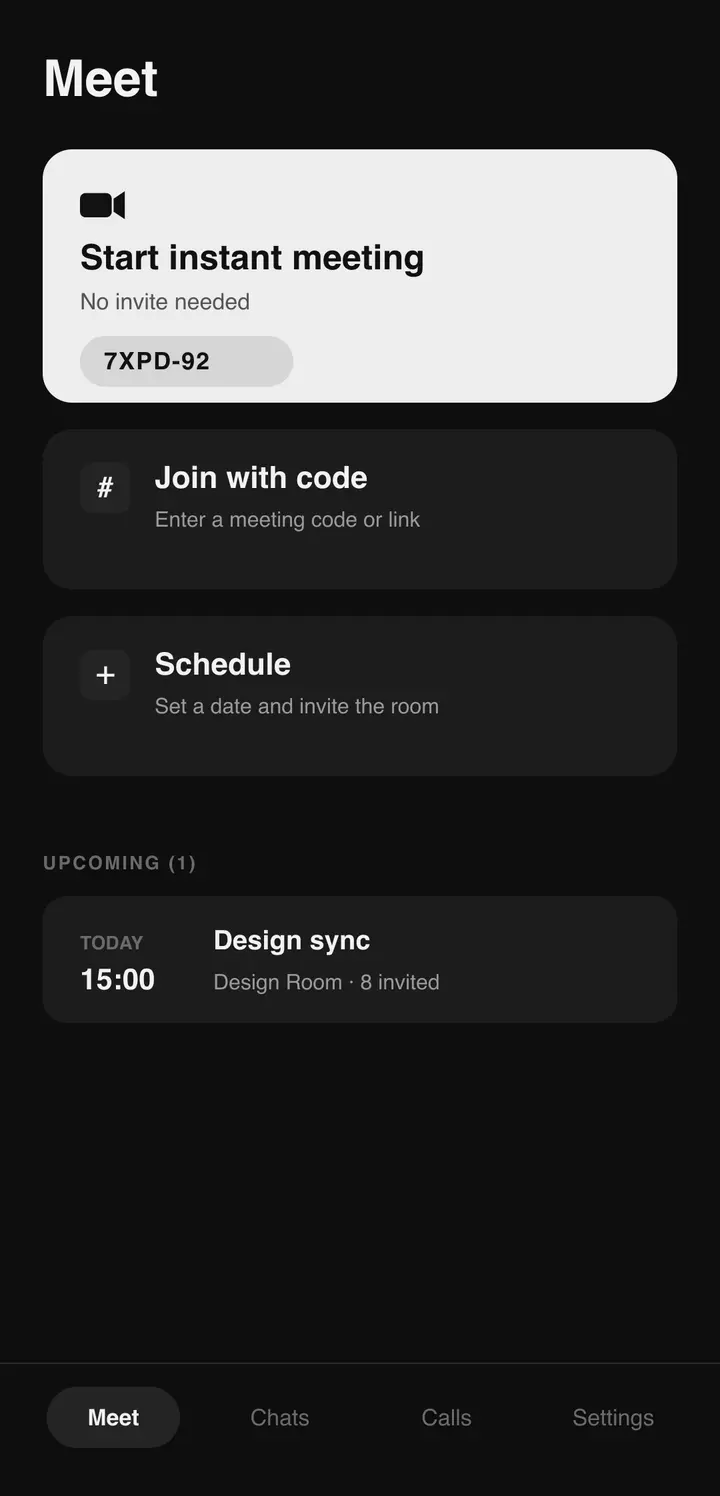
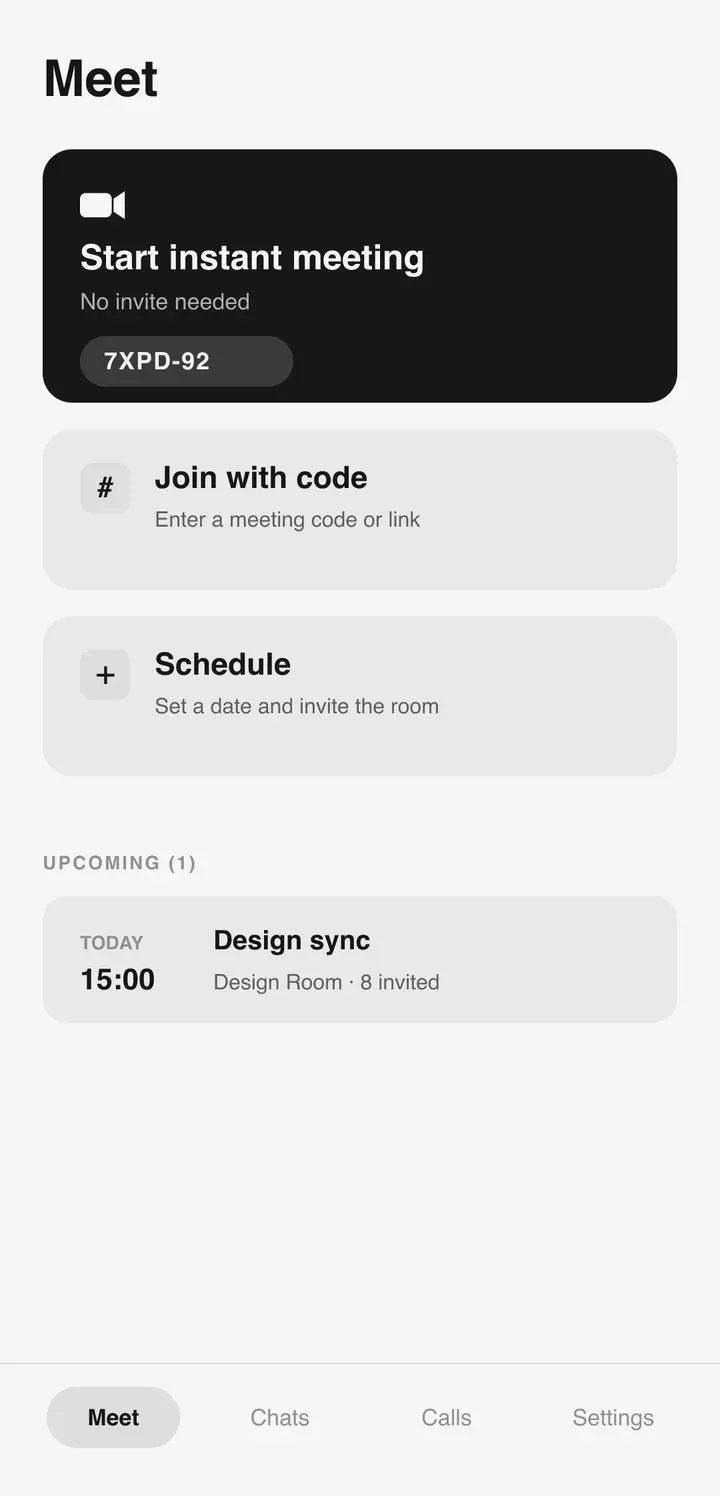
Meetings run on BigBlueButton. Start one instantly and share the code — participants join by code or QR without leaving the app, and multiple rooms stay open in tabs.
- Instant meetings with a shareable code
- Join by code or QR
- Multiple rooms in browser-style tabs
- No separate conferencing app
04SCHEDULING
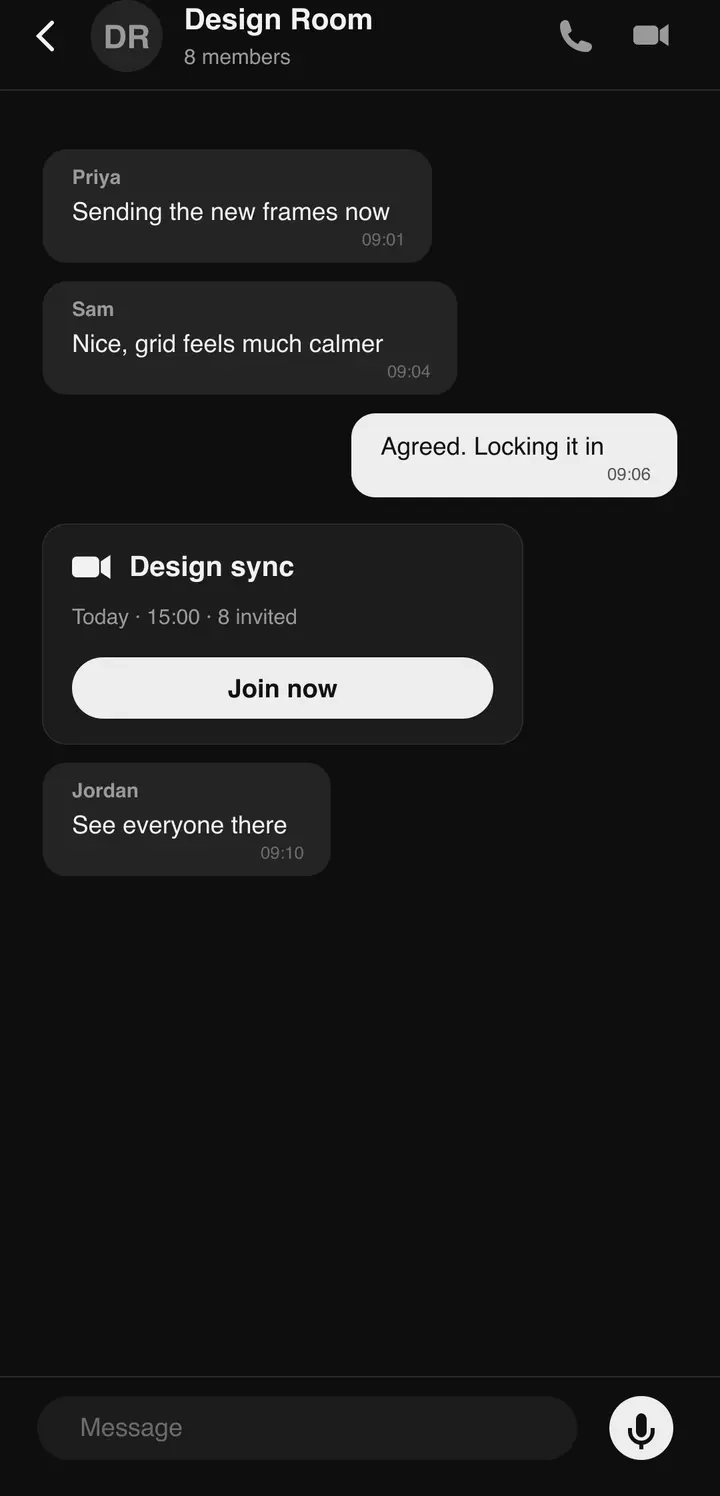
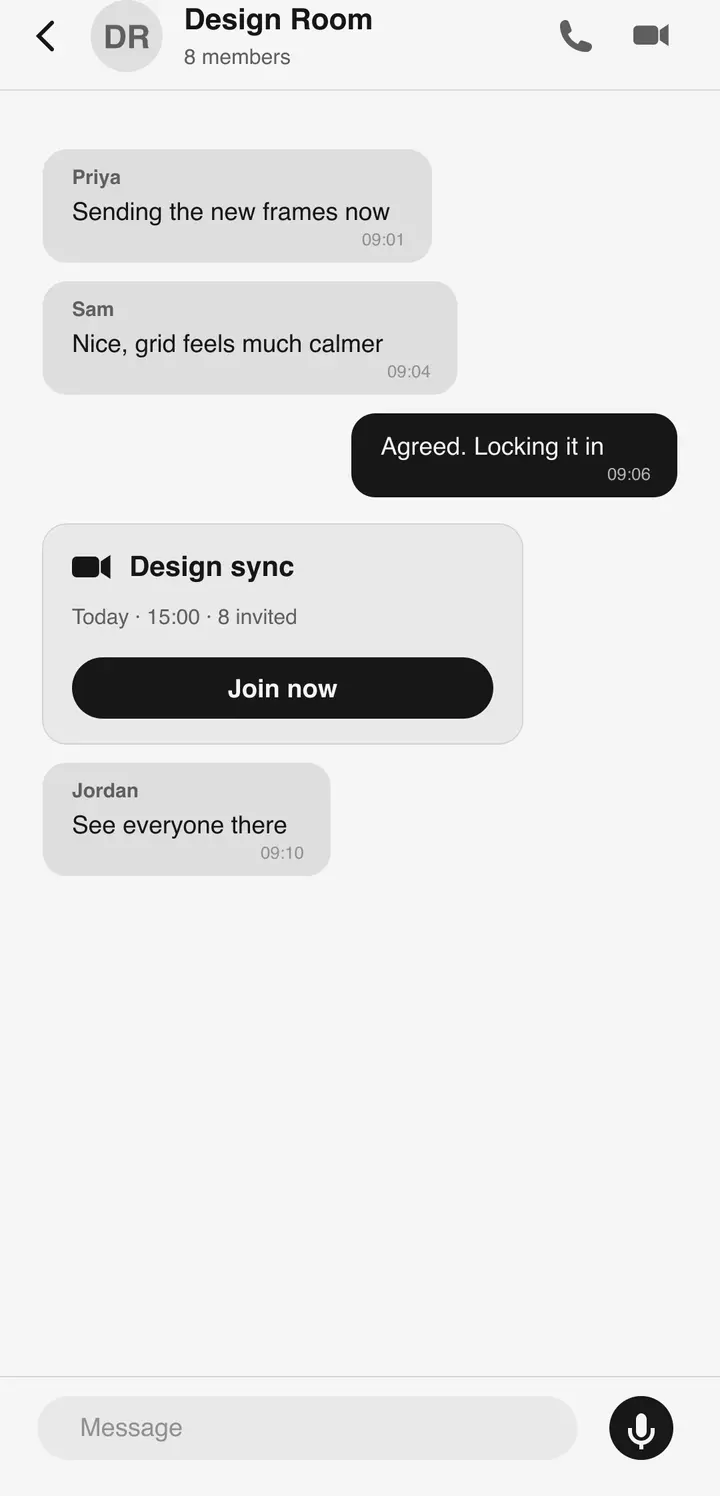
Create a meeting or appointment with invitees. The invite arrives as a card in chat with a Join Now button; everything upcoming sits in a list and a calendar.
- Meetings and appointments with invitees
- Invite cards in chat with Join Now
- Upcoming events list
- Calendar view
Related screen shown — exact capture pending.
05RECORDINGS
Replay or download any past meeting. Skim the transcript, or read the AI-generated summary and catch up fast.
- Replay and download past meetings
- Transcripts
- AI-generated summaries
Related screen shown — exact capture pending.
06VOICE NOTES
Record, send, done. Playback renders as a waveform inside the conversation.
- Record and send audio messages
- Waveform playback
Related screen shown — exact capture pending.
07LIVE LOCATION
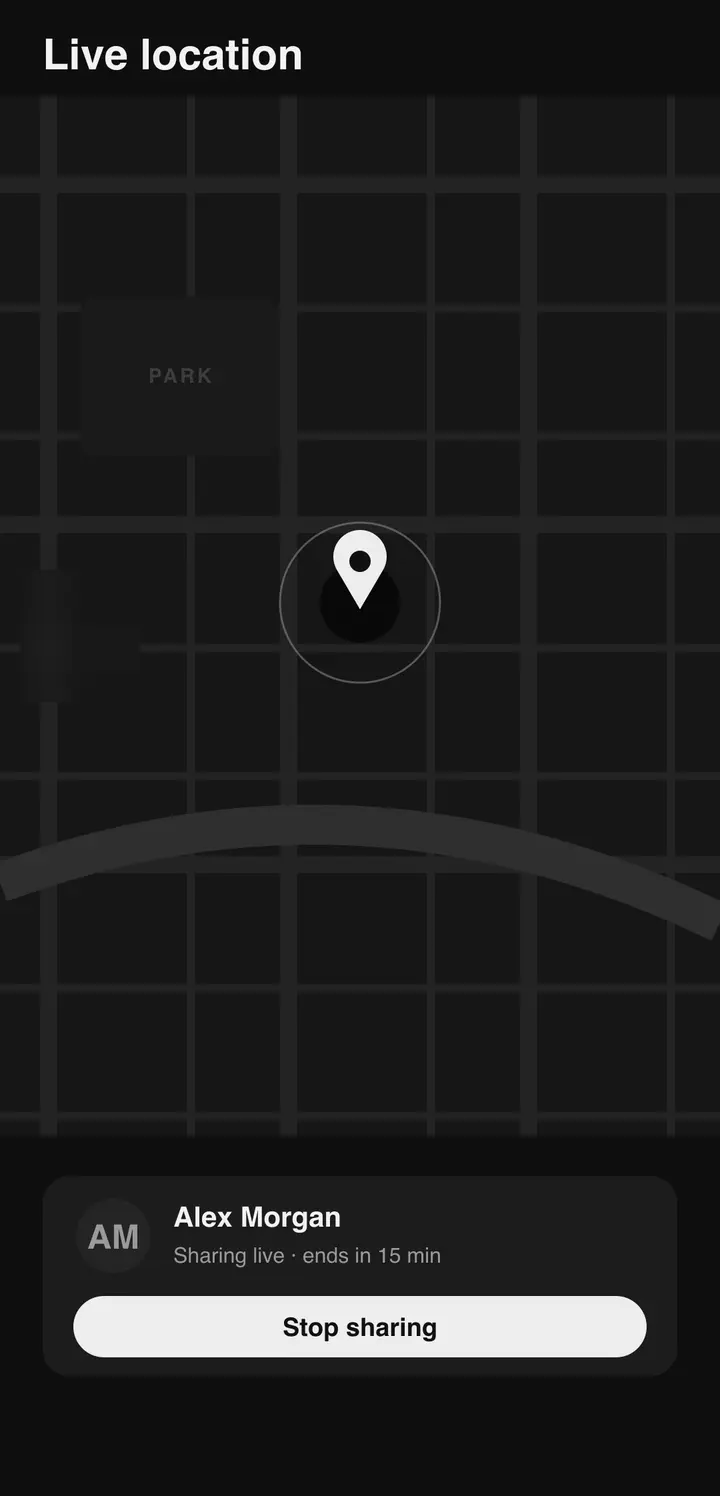
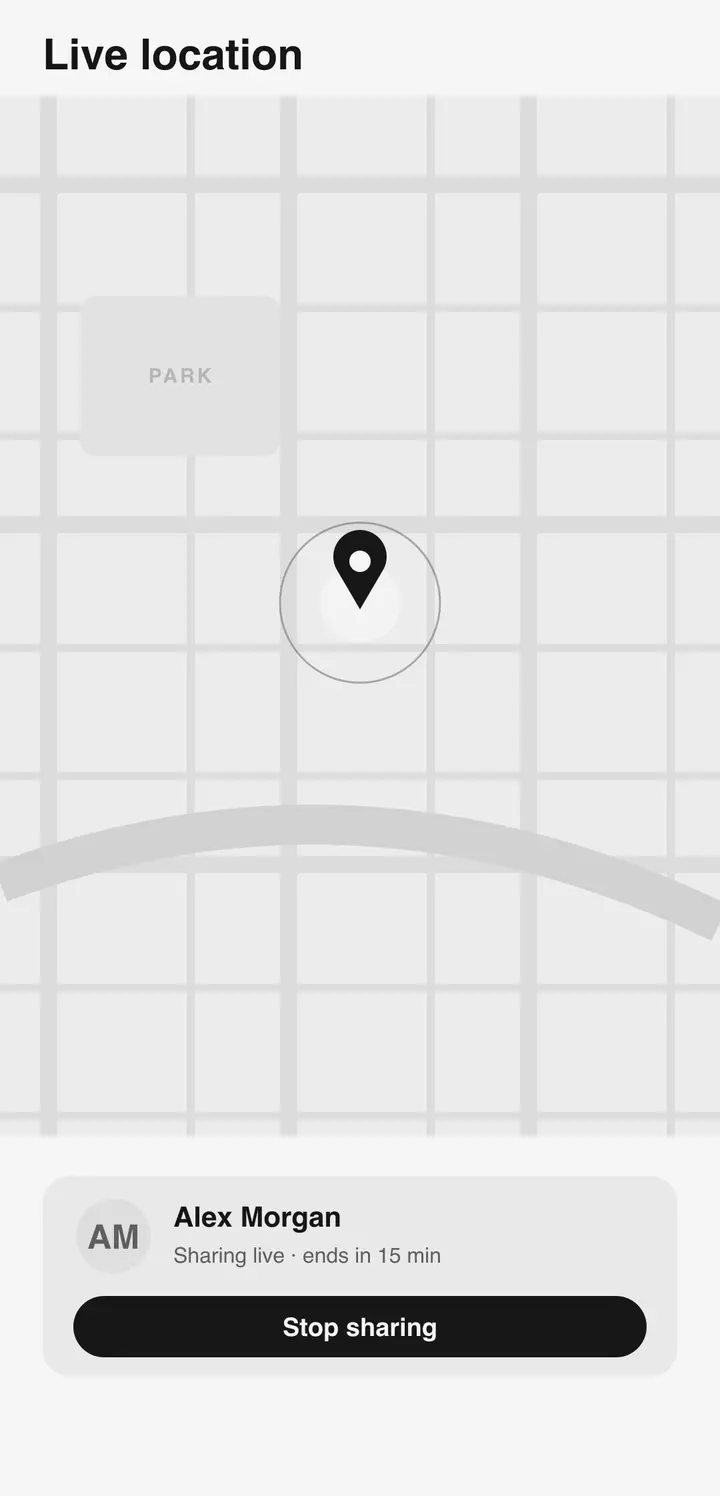
Share your current location once, or stream it live while you move. Sharing terminates on schedule — 15 minutes, 1 hour, or 8 hours.
- Current location in any chat
- Live location streaming
- Auto-expiry: 15 min / 1 h / 8 h
08TRANSLATION
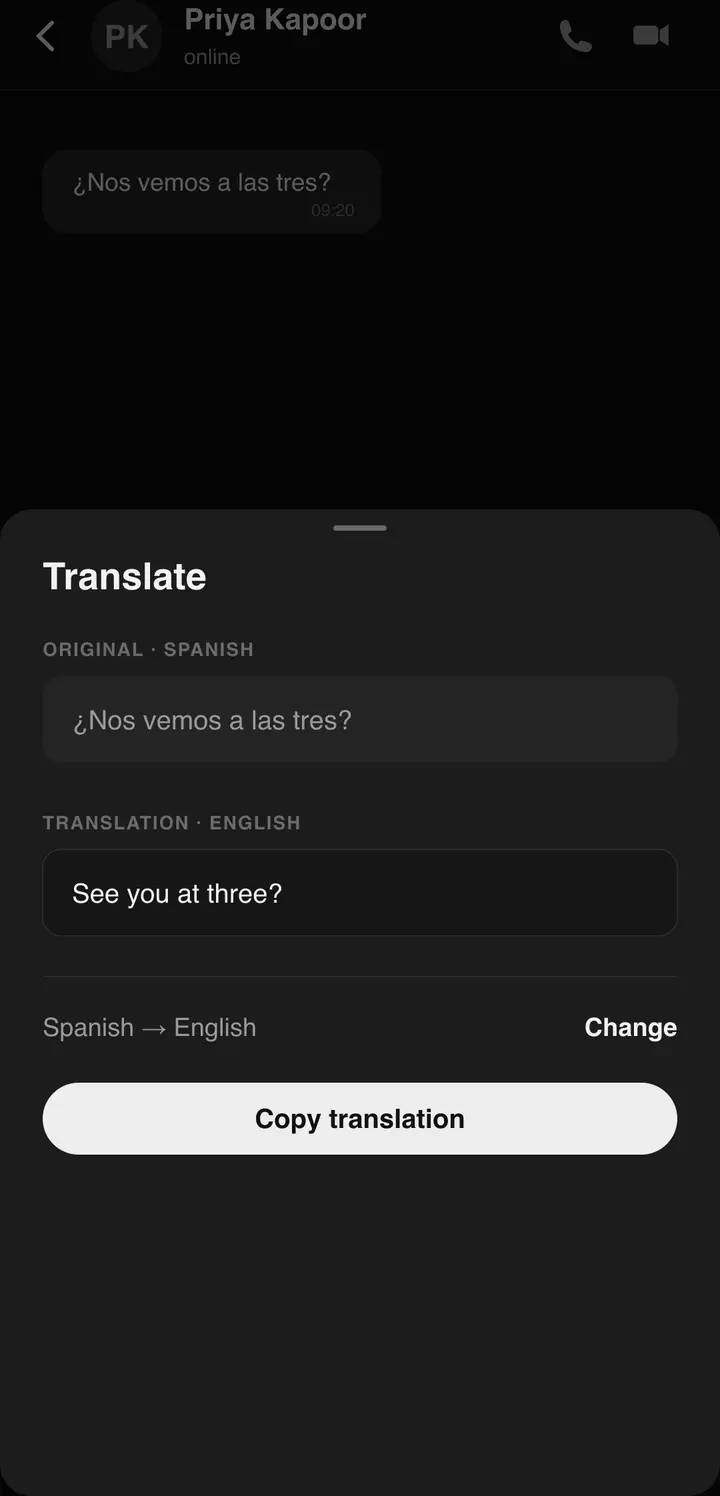
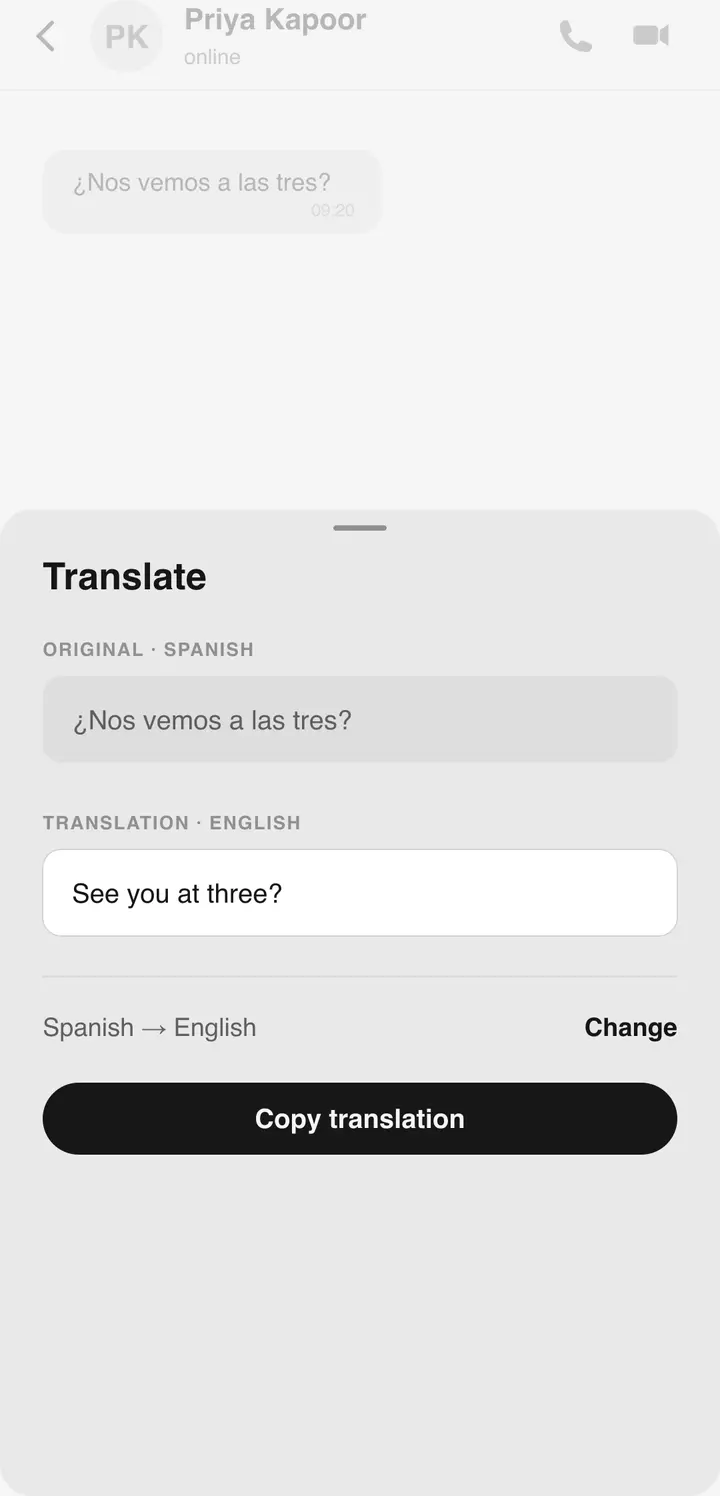
Translate any message in place, without leaving the thread. Enable auto-translate per chat and new messages arrive already translated.
- Inline message translation
- Per-chat auto-translate
- Arabic, German, English, Spanish, French, Hindi, Indonesian, and more
09AI ASSISTANT
A built-in AI assistant chat sits alongside your conversations. No extra app. No context switch.
- Built-in AI assistant chat
- AI-generated summaries for recorded meetings
Related screen shown — exact capture pending.
10PRIVACY CONTROLS
Last seen, online status, and profile photo each carry an independent rule — Everyone, My contacts, or Nobody. Unwanted contacts go on one reviewable blocked list.
- Per-signal visibility: Everyone / My contacts / Nobody
- Blocked-contacts list
- Media auto-download rules per network type
11LINKED DEVICES
Pair a desktop or tablet with a QR scan and every conversation follows. Native macOS and Windows clients; a two-pane layout on tablets.
- QR pairing for desktop and tablet
- Native macOS and Windows apps
- Two-pane tablet layout
- Sync across all linked devices
Related screen shown — exact capture pending.
12INTERFACE
Three themes, switched in-app. Localized in 9+ languages with full right-to-left support.
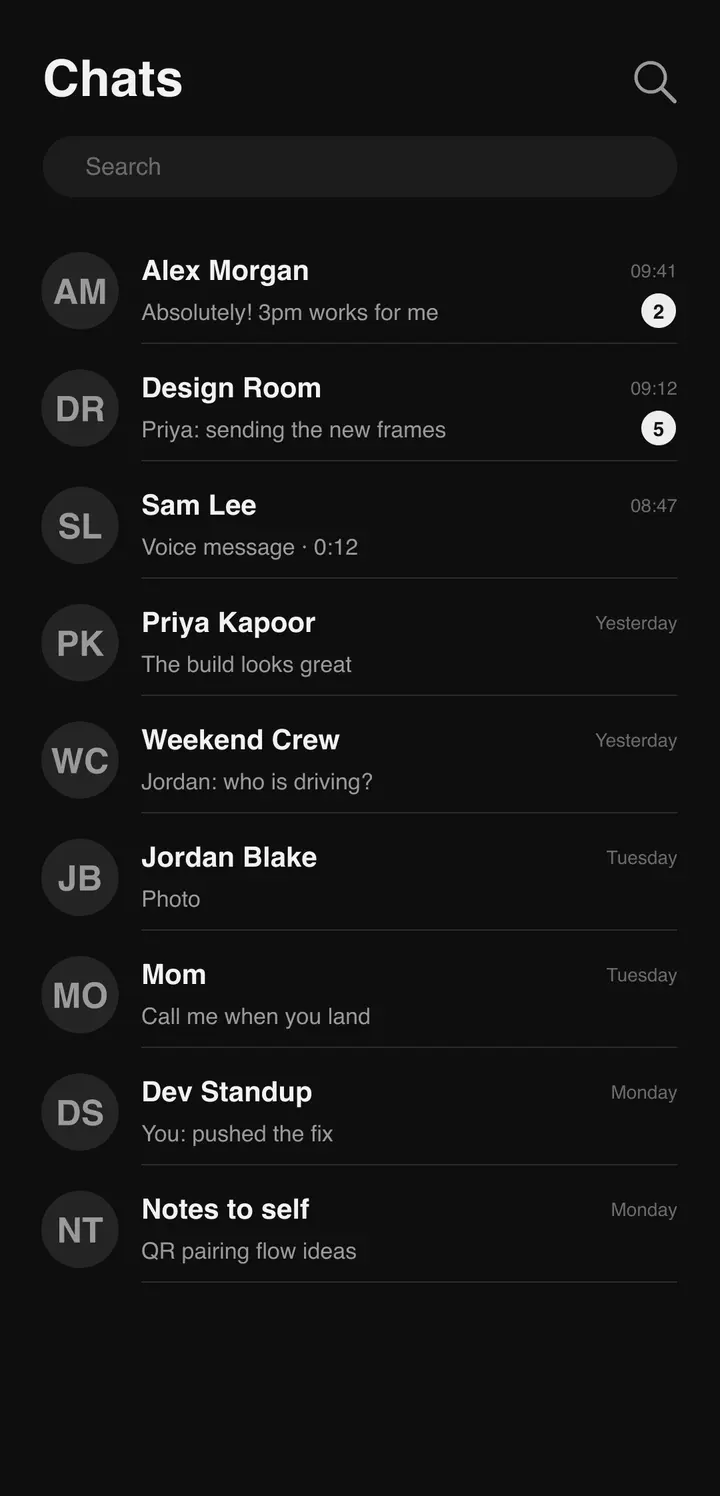
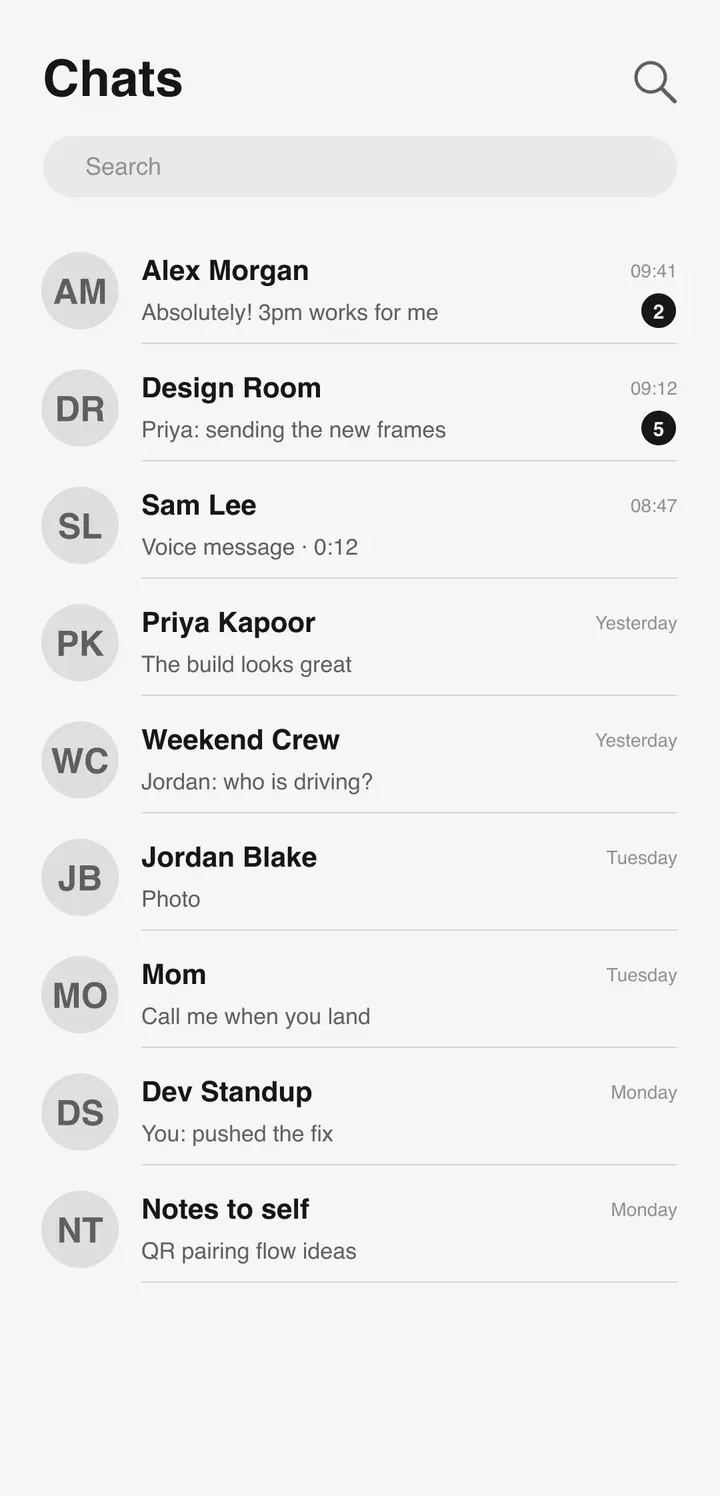
- Light, dark, and auto themes
- 9+ languages
- Right-to-left support: Arabic, Urdu
GET BLUETUNE
Free on Android and iOS.
Native apps for macOS and Windows. One QR links them all.